
Expense Tracker
Track expenses and income.
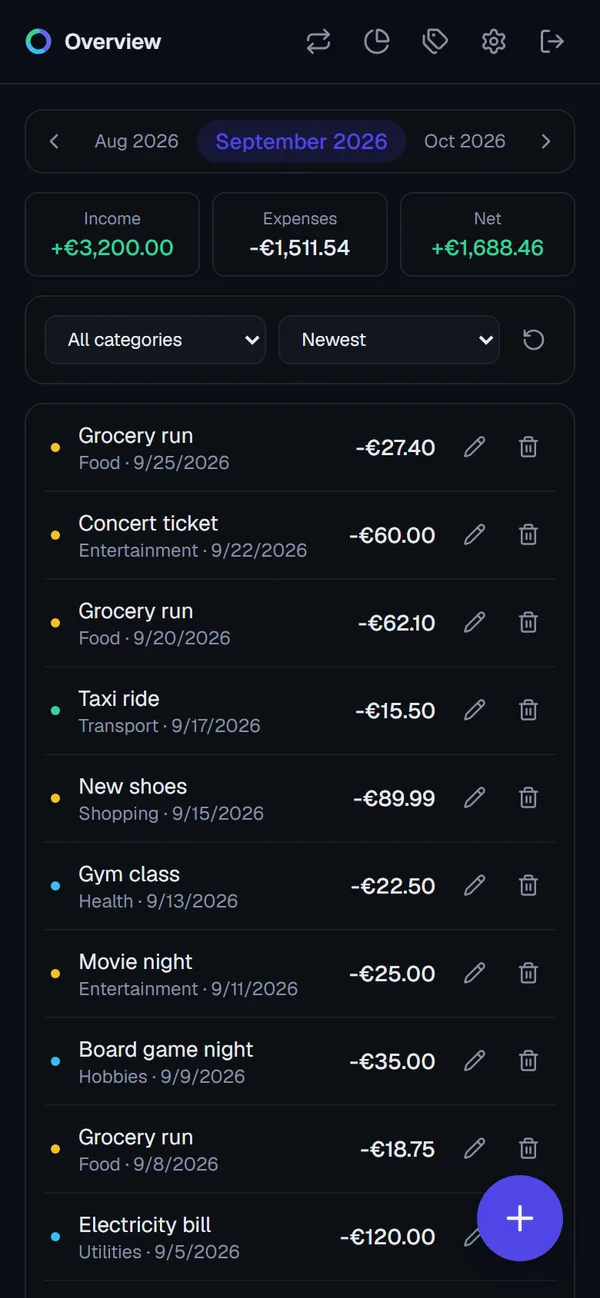
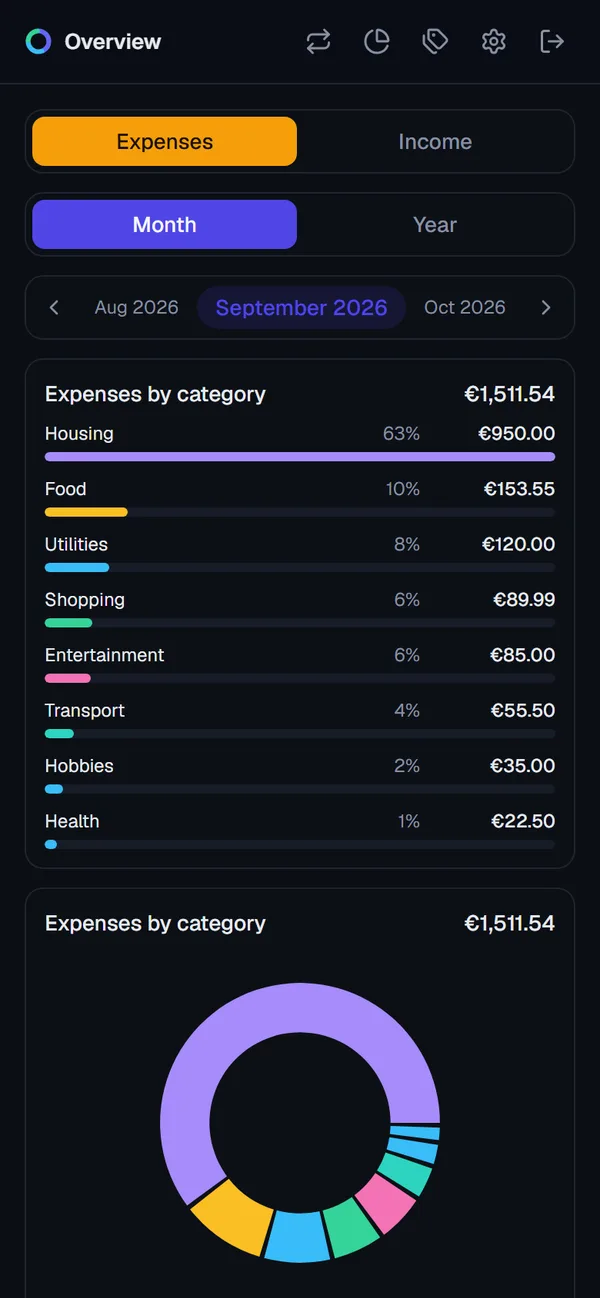
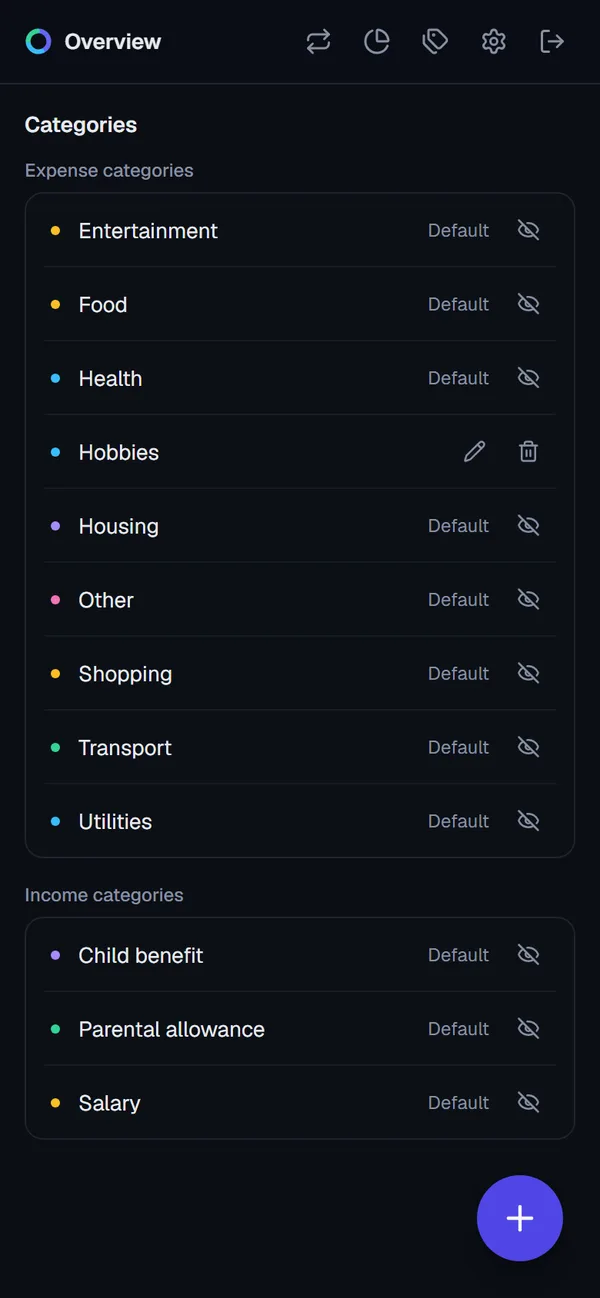
What was my problem?
I wanted a simple way to track my income and expenses. The app I used before was so full of ads that it was hard to use. The alternatives were paid apps, which felt wrong for a tool whose whole purpose is to help me spend less. I couldn’t find one that was free, clean and fast to use on a phone, so I built it.
How did I solve it?
It’s a mobile-first web app that installs like a native app. It’s also published on Google Play, currently in testing.
Stack
Next.js 16 (App Router), TypeScript, Tailwind CSS v4, Drizzle ORM, Supabase (Postgres) and Auth.js v5. It’s deployed on Vercel and auto-deploys from main.
Key decisions
- Multi-user from day one. Every write goes through a Server Action that filters by both record ID and user ID in the query itself. It never fetches a record and then checks the owner. That makes cross-user access structurally impossible, which matters now that real users are coming.
- Recurring transactions without cron jobs. Rules like rent or subscriptions are created lazily. Opening a month fills in any missing entries for that month, so there is no scheduler to run or monitor.
- Amounts stored positive, sign derived from type. Expenses and income share one table, so totals stay simple and sign bugs are less likely.
- PWA to Play Store. The site is an installable PWA, wrapped as an Android app with PWABuilder. One codebase serves the web and Android. The service worker caches only static assets, never pages or data, so it can’t show stale financial figures.
- Localization. The app supports English, German, Spanish, French and Portuguese via
next-intl. Money and dates useIntlformatters, not hand-built strings. - Separate dev and prod databases. Local work and preview deployments use their own Supabase project, so a bad migration can’t touch real users’ data.
- Shared design tokens. The dark theme comes from one set of tokens, with no hardcoded colors in components.
Retrospective
What worked
- Keeping the architecture boring (a server-rendered app, one database, no background jobs) made it fast to build and cheap to run.
- Scoping ownership in the query itself removed a whole class of security bugs.
- A PWA plus a Play Store wrapper reached Android without writing a native app.
- Working in versioned releases with a documented release process kept shipping predictable.
What I’d do differently
- Plan for localization from the start. I retrofitted translations in v1.8.0, which meant touching every screen. Adding it early would have been much cheaper.
- Split dev and prod databases on day one. I only did this late, after the app was already live. Until then, a local experiment could have hurt real data.
- Automate migrations. Migrations still have to be applied to production by hand at release time. A CI step would remove that risk.
- Set up shared UI patterns earlier. The loading spinner on async buttons, for example, had to be added to every button in one pass.
- Start Google Play testing earlier. Google requires 12 testers on closed testing for 14 continuous days before Production. That is my current milestone, and I should have started recruiting testers sooner.